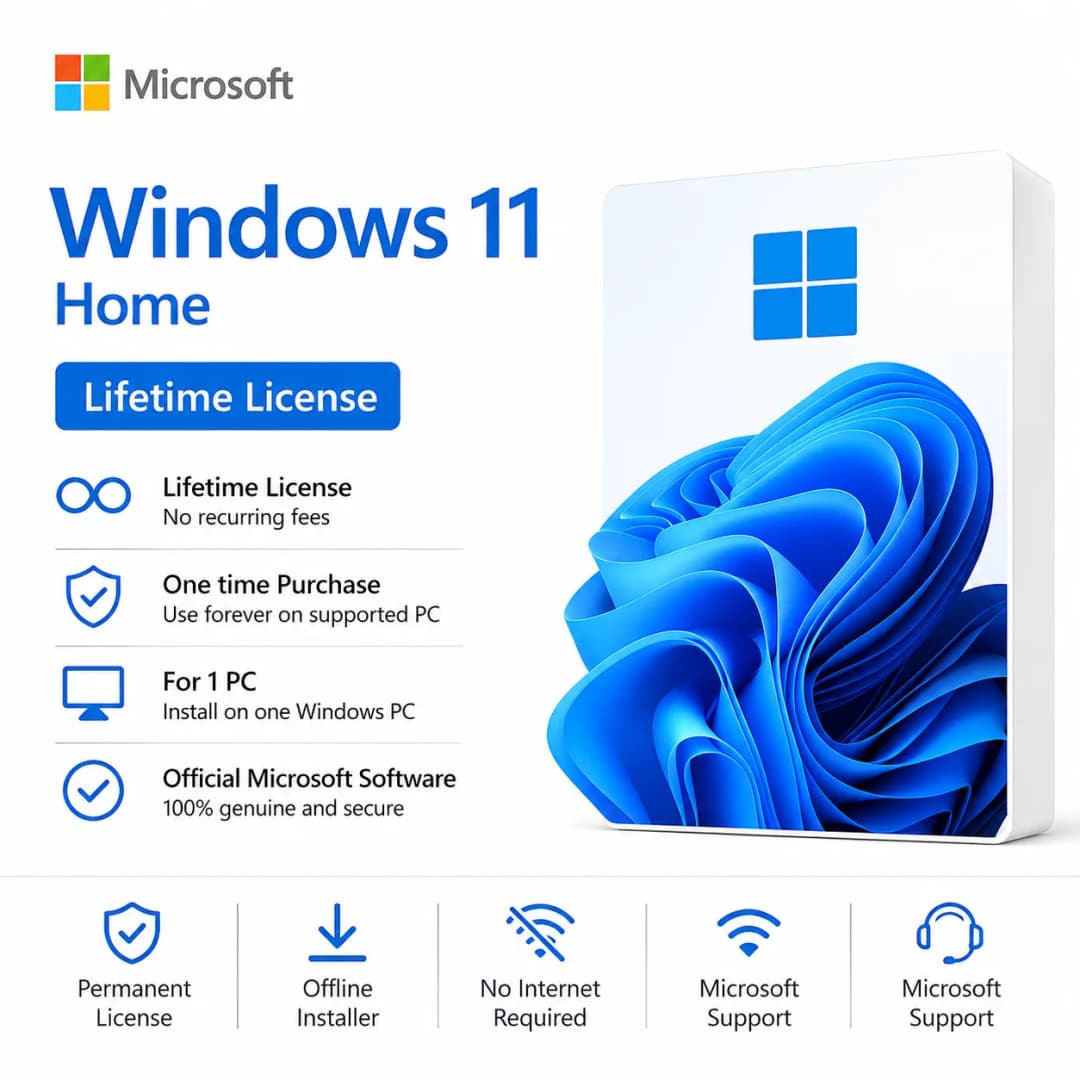
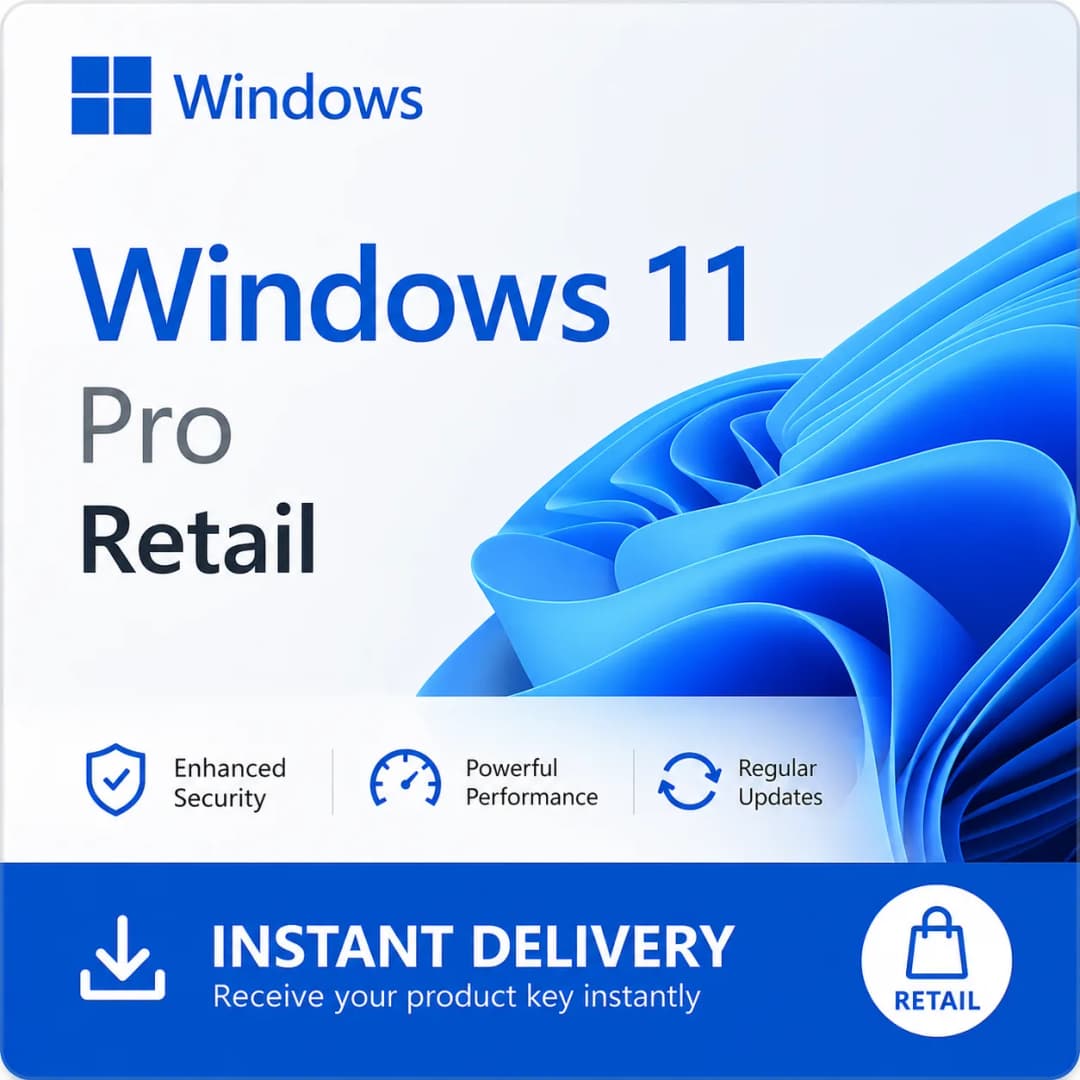
Windows 11 Pro License Key
₹29.99Inc Tax₹59.99
Save ₹30 · 50% OFFBuy genuine Microsoft Windows license keys — Windows 11 and Windows 10 — with email delivery, a 10-day replacement guarantee and 24/7 support.
Showing 1-3 of 3 products
100% Genuine
Authentic Microsoft license keys.
Instant Delivery
Get your license key in seconds.
Secure Payment
Safe & encrypted checkout.
24/7 Support
We're here to help anytime.
Compare editions and choose the best Windows version for your needs.
| Edition | Best For | Key Features | Recommended For |
|---|---|---|---|
| Windows 11 Home | Personal users | Modern interface, gaming features, security | Home users |
| Windows 11 Pro | Professionals | BitLocker, Remote Desktop, Group Policy | Business users |
| Windows 10 Pro | Compatible PCs | Familiar interface, stable performance | Older hardware |
| Windows 11 Enterprise | Organizations | Advanced security, enterprise management | Large organizations |
Not sure which version to choose? Compare Windows 11 and Windows 10 features, performance, requirements and more.
A Windows license key is the product key that turns an installed copy of Windows into a fully activated, genuine system. Every key in this category is a one-time purchase: there is no subscription, and the key stays valid for the life of the PC it is activated on. Browse by version — Windows 11 for any PC that meets its hardware baseline, or Windows 10 for older machines — then pick the edition that matches how you use the computer.
Start with the version, then the edition. Check that your PC can run the version first; our guide to Windows system requirements lists exactly what each needs.
Not sure about Home versus Pro? Read Windows editions explained before you buy.
After payment your key arrives by email delivery (usually within minutes, always within 24 hours of payment). Then:
Stuck on an error code? The Windows troubleshooting guide and our article on quick Windows 11 activation fixes cover the common ones. For a full walkthrough, read how to activate Windows 11, step by step.
A Retail license belongs to you and can be moved to a new PC if you replace your hardware. An OEM license is tied to the first motherboard it is activated on and is meant for a single machine. Both are genuine; Retail simply costs more for the freedom to transfer. The full comparison is in Retail vs OEM license. Each product page states which type the key is, along with its edition and language.
Building a team setup? Look at Office & Productivity for Microsoft Office, or Windows Server if you run your own servers.
Yes. Every key is a genuine, unused Microsoft product key. It activates through Windows Settings or during a fresh install, and every order is covered by our 10-day replacement guarantee.
Your key is emailed to you automatically after a successful payment — usually within minutes, and always within 24 hours — together with a short activation walkthrough.
No. Each key activates Windows on a single PC. To license several computers, buy one key per machine; the quantity selector on the product page makes this simple.
A Retail key is yours and can be transferred to a new PC when you upgrade hardware. An OEM key stays with the first motherboard it was activated on. See our Retail vs OEM guide for the full comparison.
Yes, if the PC meets Windows 11's requirements (TPM 2.0, Secure Boot and a supported 64-bit processor). You can upgrade in place and keep your files, then activate with a Windows 11 key if needed.
Contact us. Our team helps you troubleshoot first, and if the key itself is the problem we replace it under the 10-day replacement guarantee.
A step-by-step guide to activating Windows 10 or 11 with a genuine product key.
Read more GuideMinimum and recommended hardware specs for installing Windows 10 and Windows 11.
Read more GuideWhat the difference is between a Retail and OEM Windows license, and which one is right for you.
Read more GuideHow to check eligibility and upgrade a Windows 10 PC to Windows 11.
Read more GuideFixes for the most common Windows activation and installation issues.
Read more GuideThe differences between Windows Home, Pro, and Enterprise editions.
Read more